Recetas
Ver todas →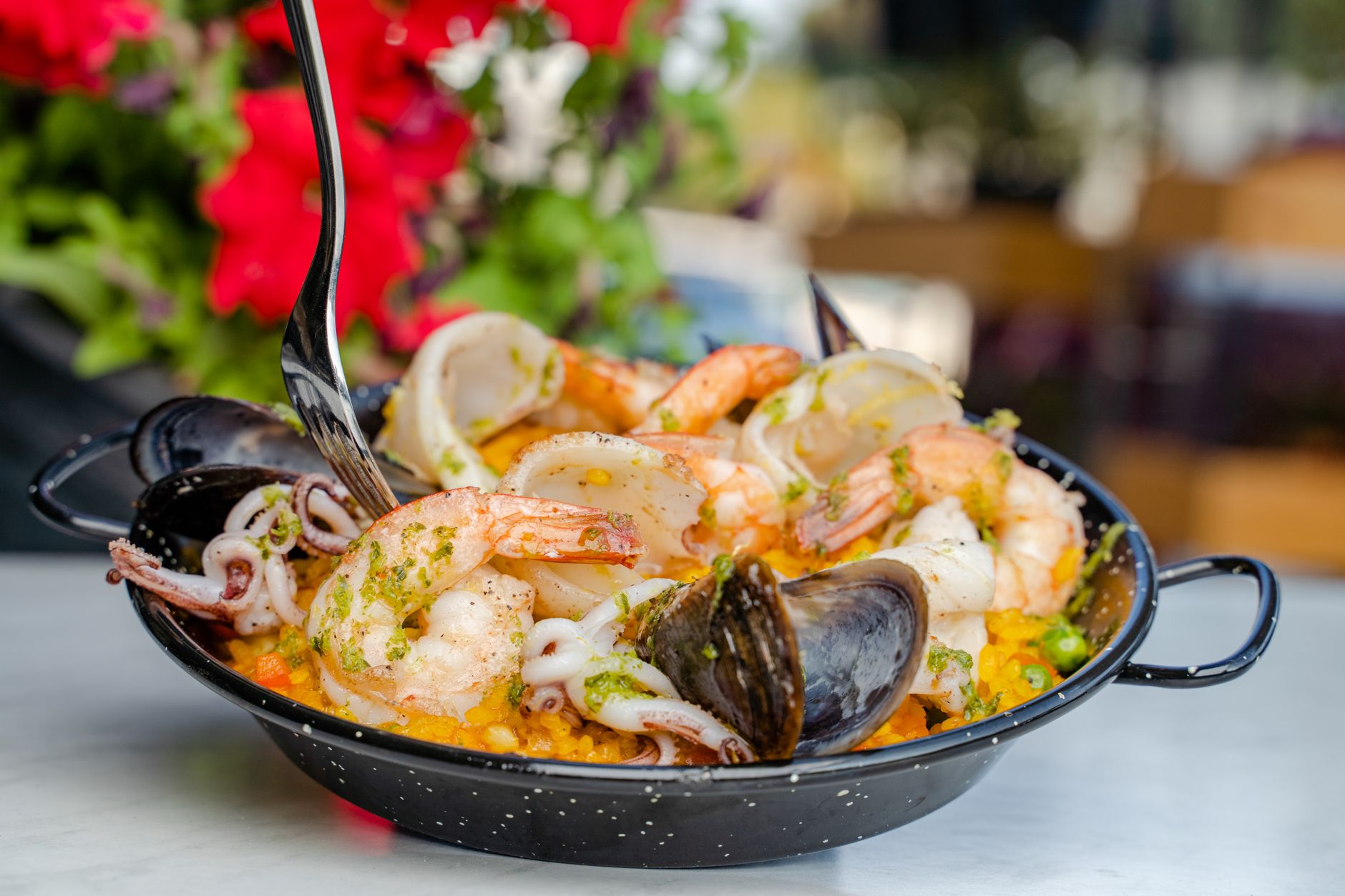
Paella de marisco sencilla
Una versión accesible de la paella de marisco, con gambas, mejillones y calamar, para hacer en casa sin complicarse.
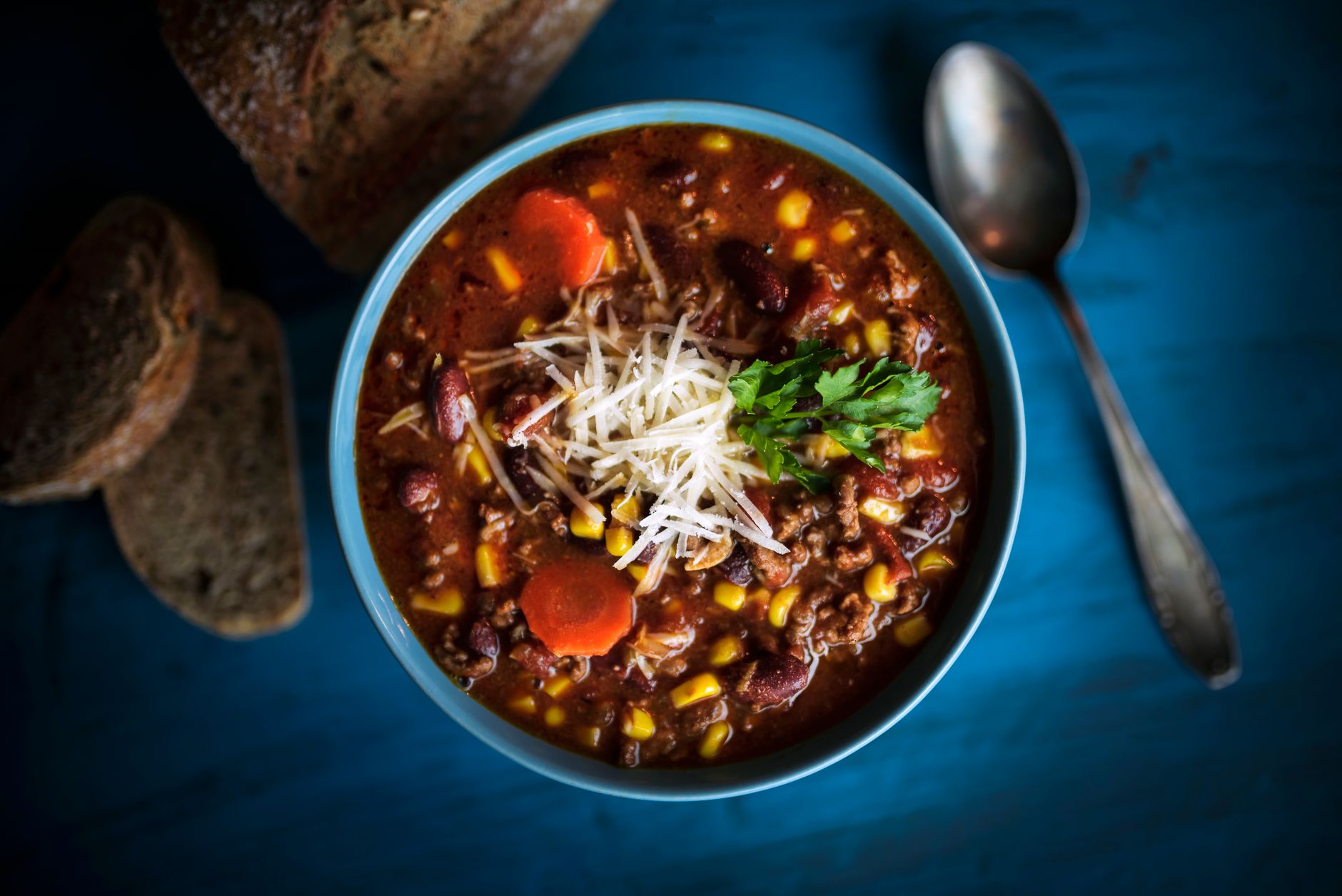
Chili con carne
Un chili con carne picada, alubias y especias, con el punto de picante que tú decidas.
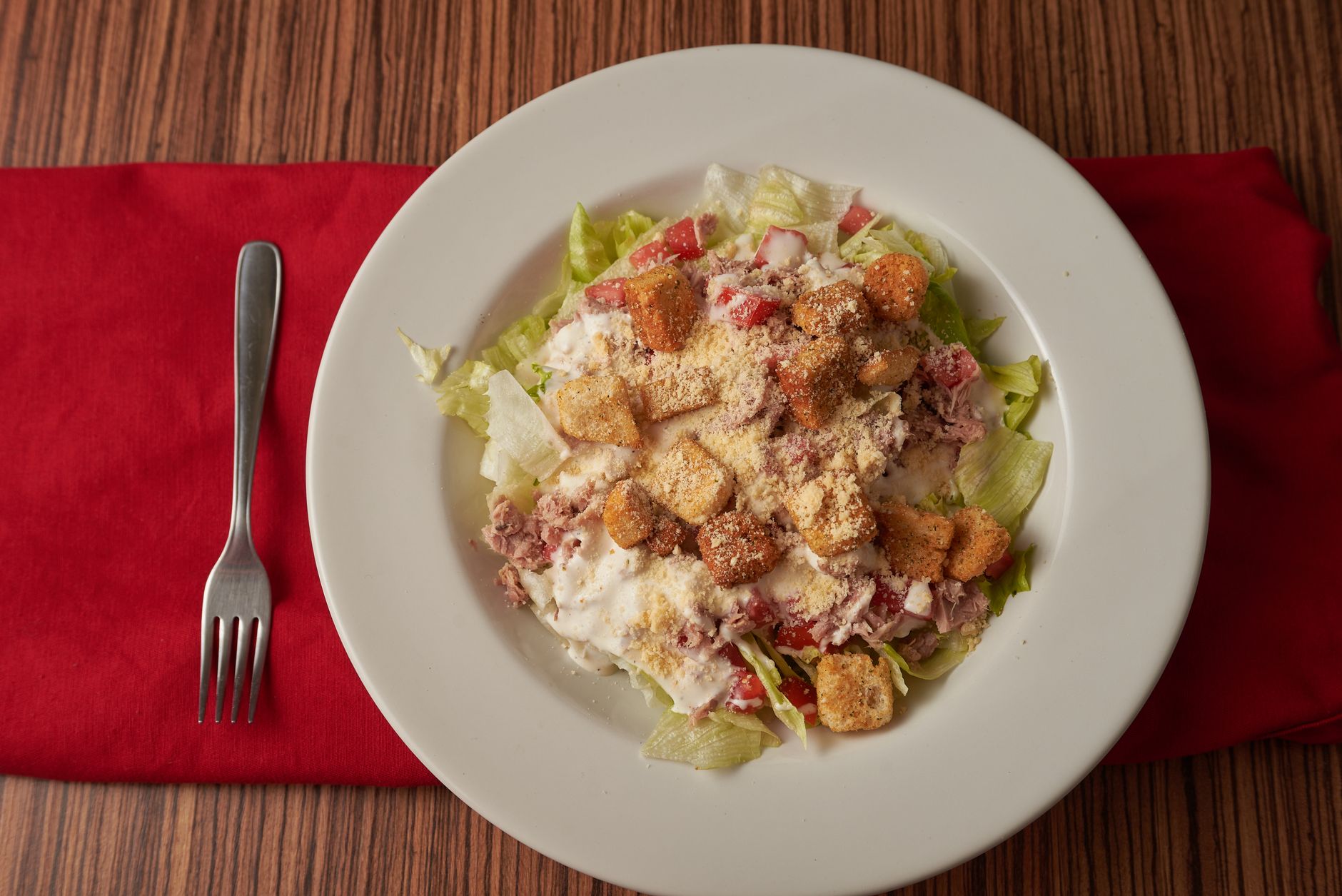
Ensalada César casera
La ensalada César con su aliño original a base de anchoas, ajo y parmesano, y picatostes caseros.
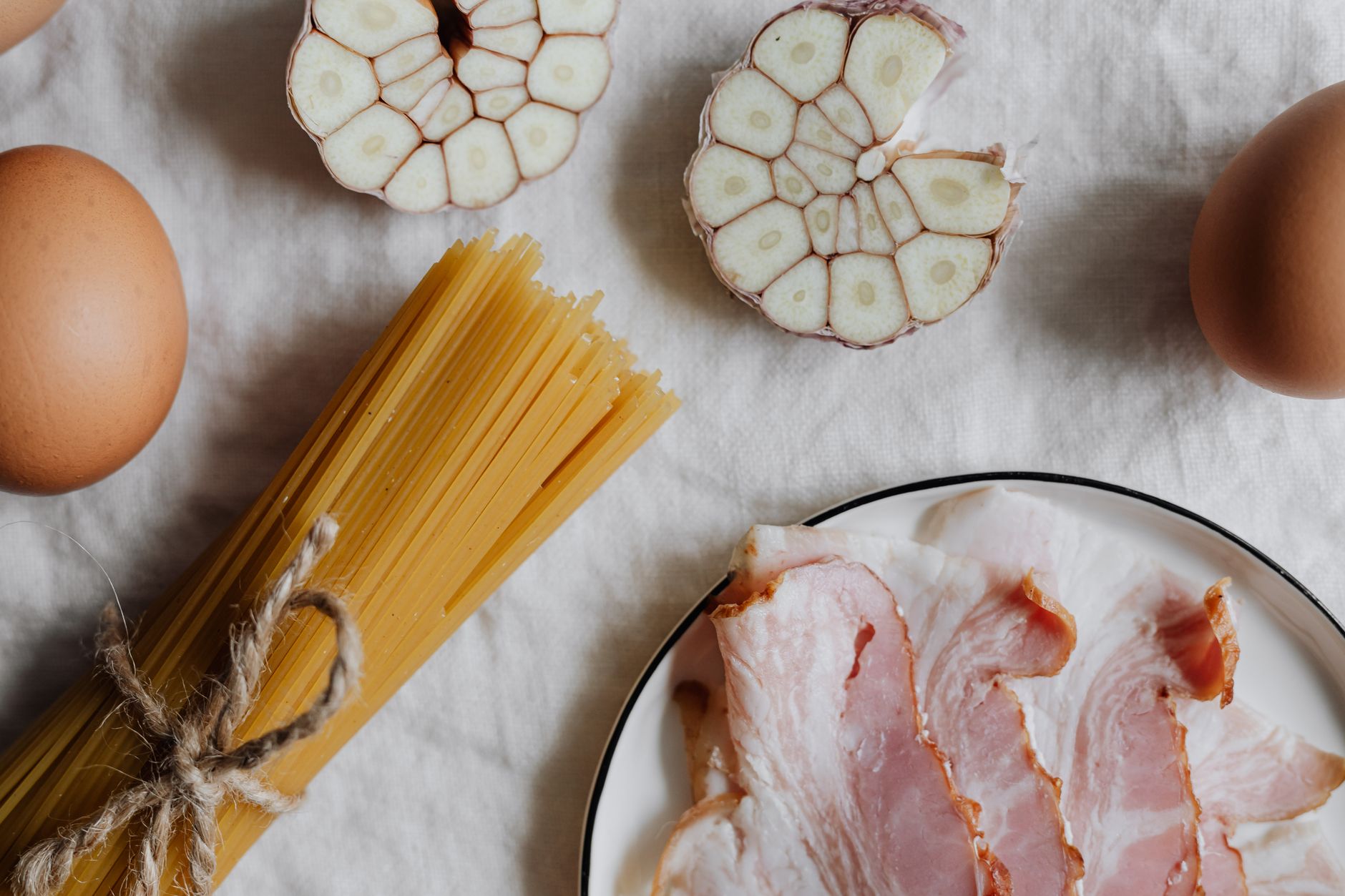
Espaguetis a la carbonara
La carbonara clásica italiana, sin nata, ligada solo con huevo, queso y la grasa del guanciale o panceta.
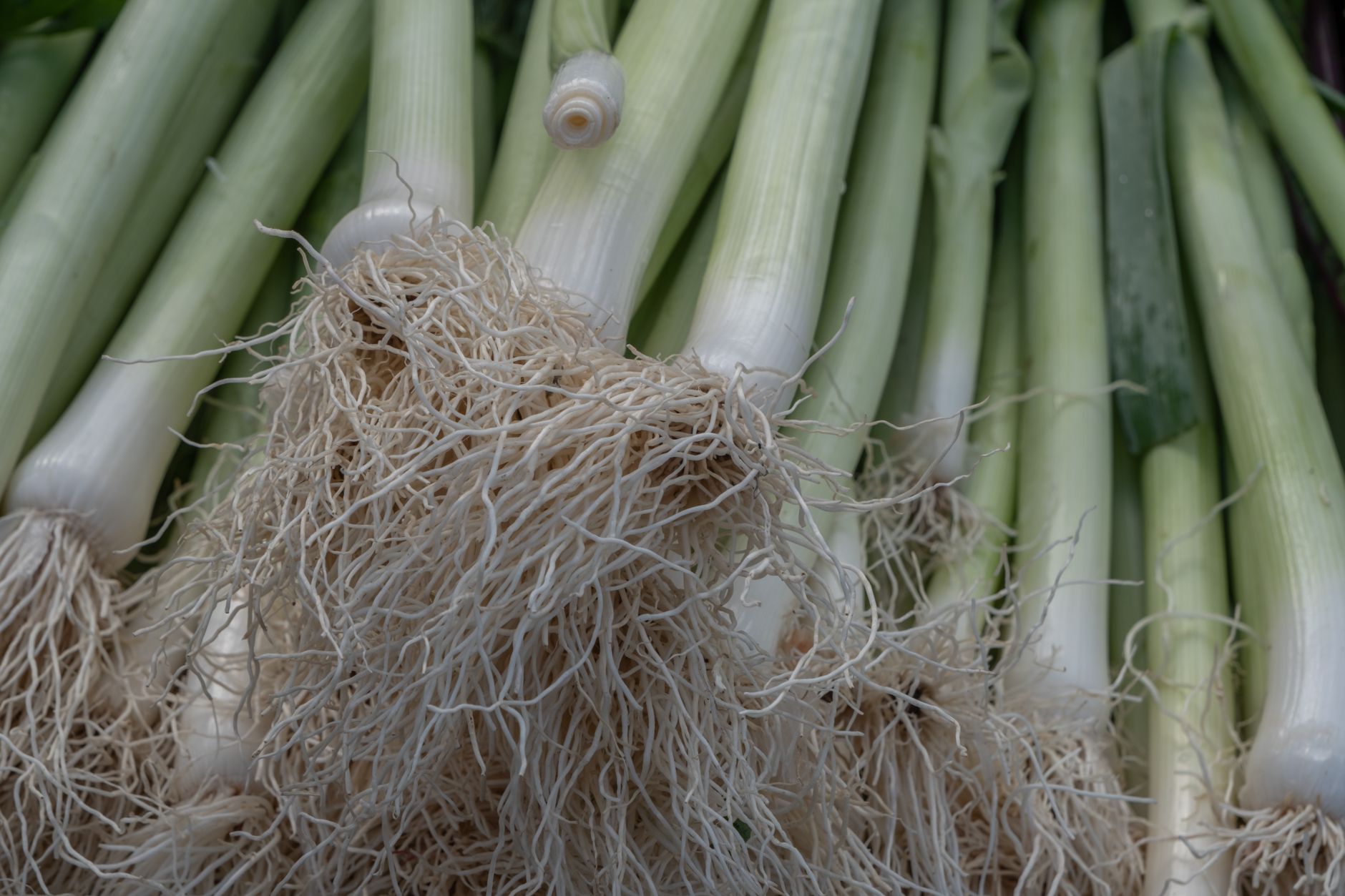
Tarta salada de puerro y bacon
Una tarta salada cremosa de puerro y bacon sobre una base de hojaldre, ideal para cenas ligeras o para llevar.
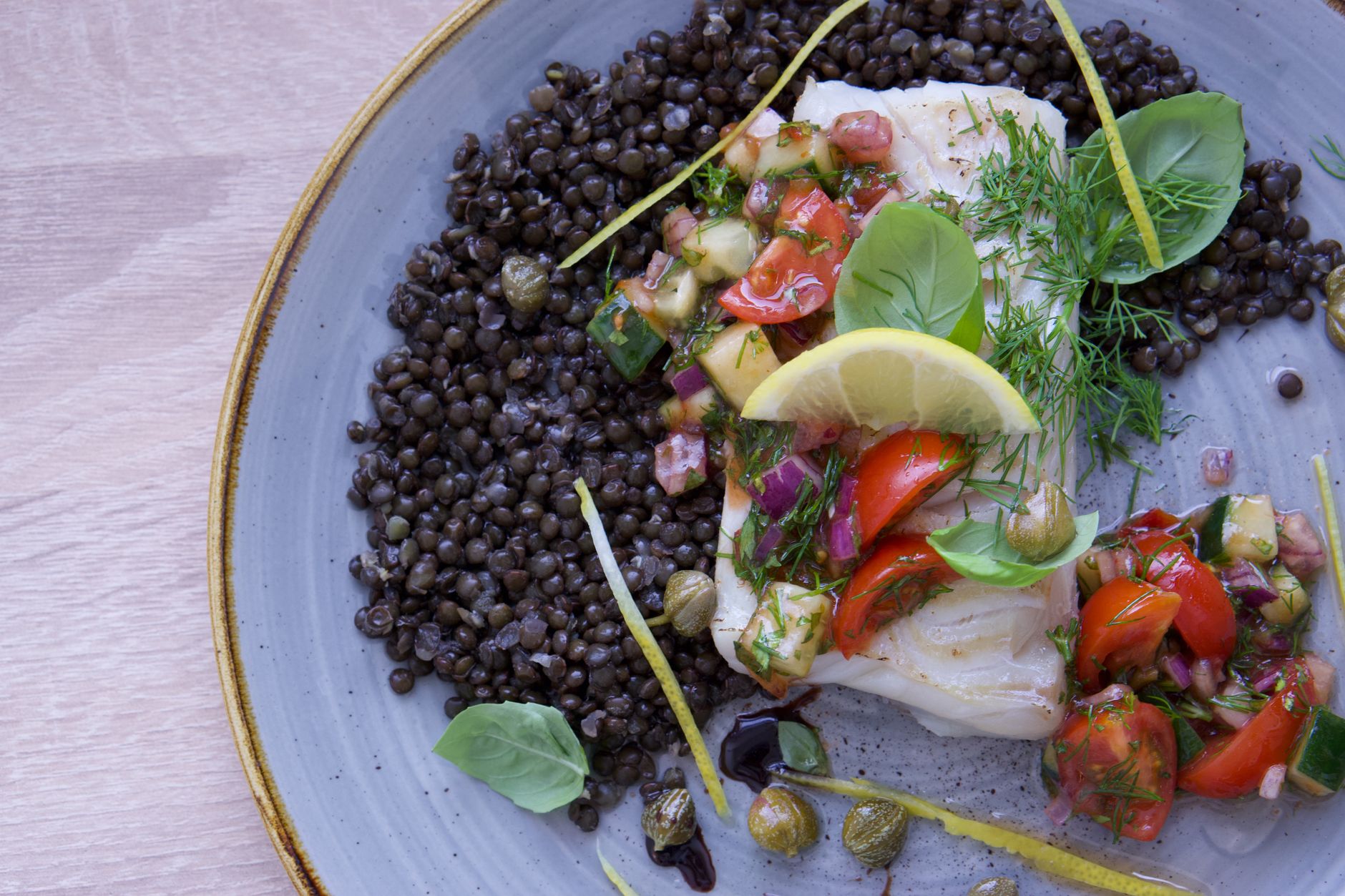
Bacalao al pil pil sencillo
Una versión accesible del clásico bacalao al pil pil, ligando la salsa con paciencia y movimiento de muñeca.
Alimentos
Ver todos →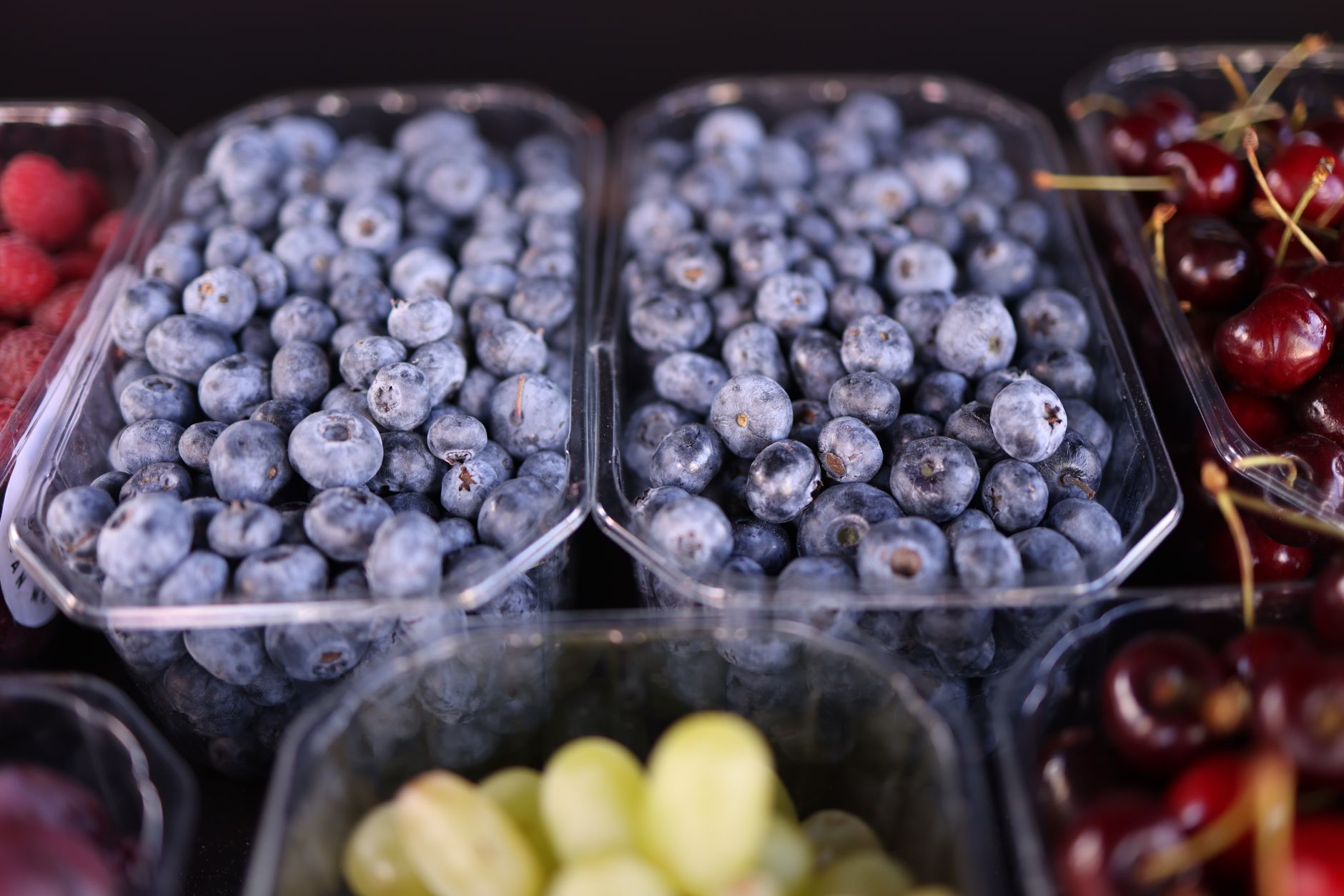
Alimentos ricos en antioxidantes
Qué son los antioxidantes, por qué se les da tanta importancia y qué alimentos los aportan en mayor cantidad.
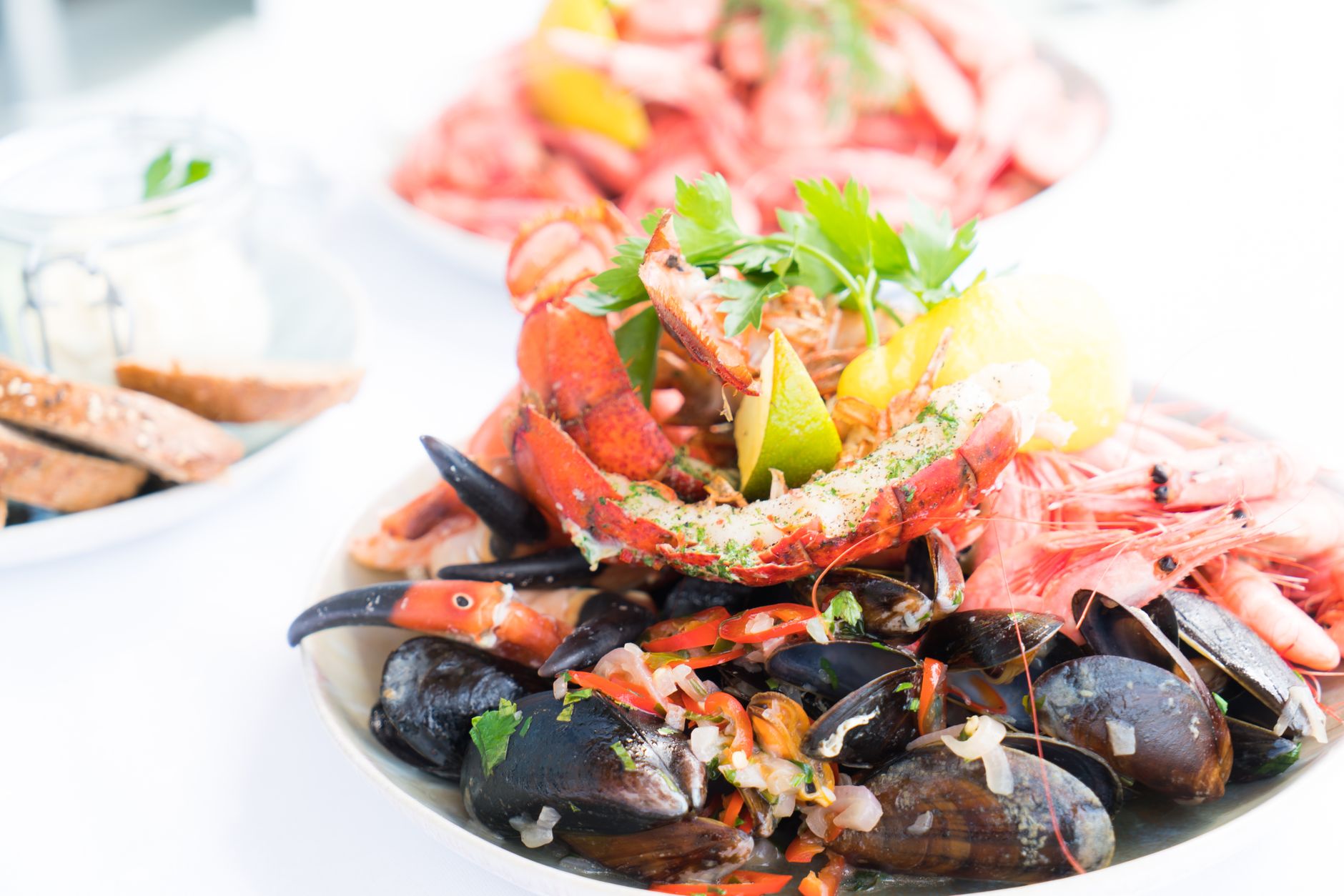
Alimentos ricos en zinc
El zinc participa en el sistema inmunitario y la cicatrización. Repasamos qué alimentos lo aportan en mayor cantidad.
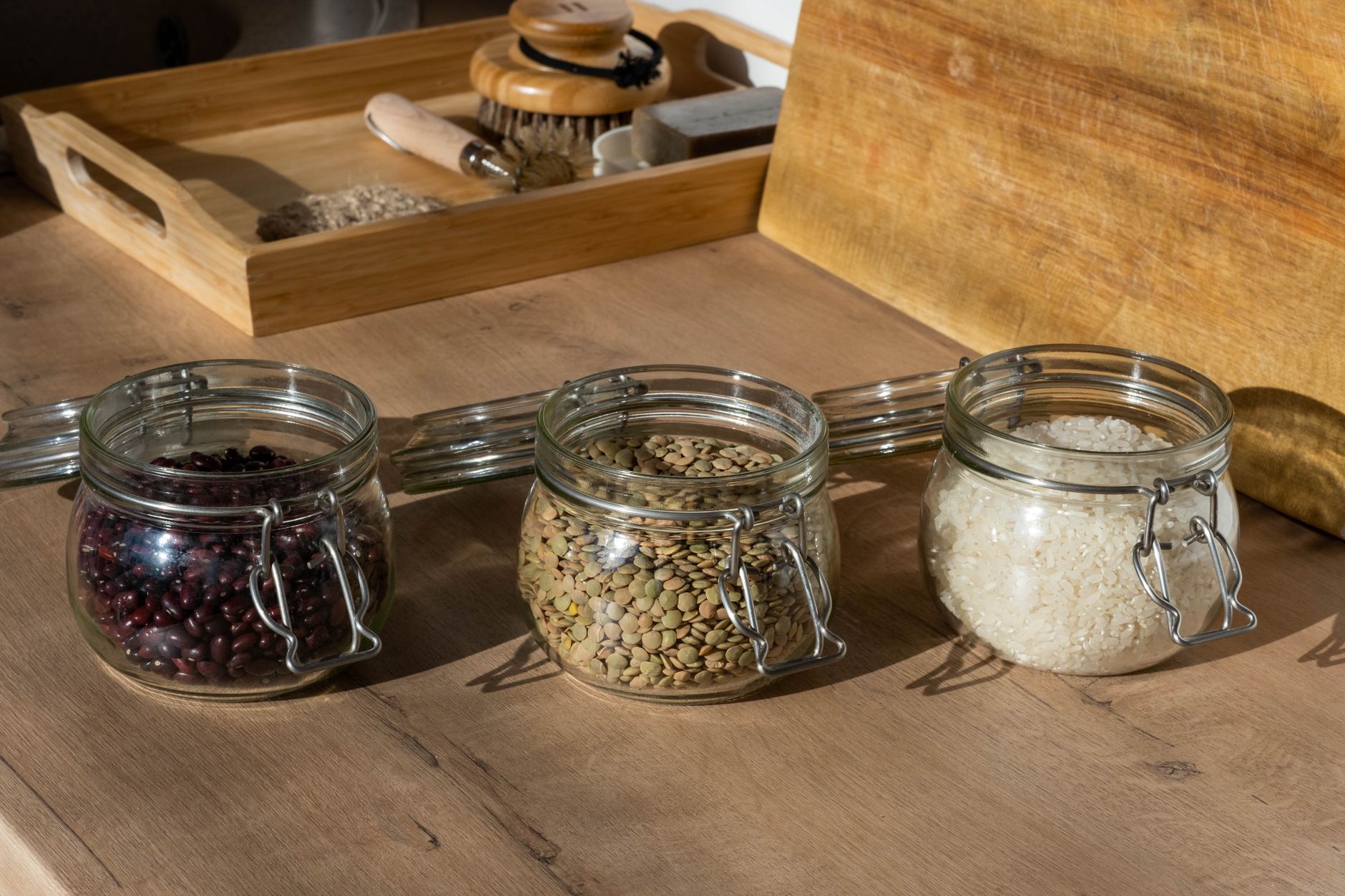
Legumbres: beneficios nutricionales que a veces se pasan por alto
Por qué las legumbres se consideran uno de los alimentos más completos y económicos, y cómo incluirlas más a menudo.
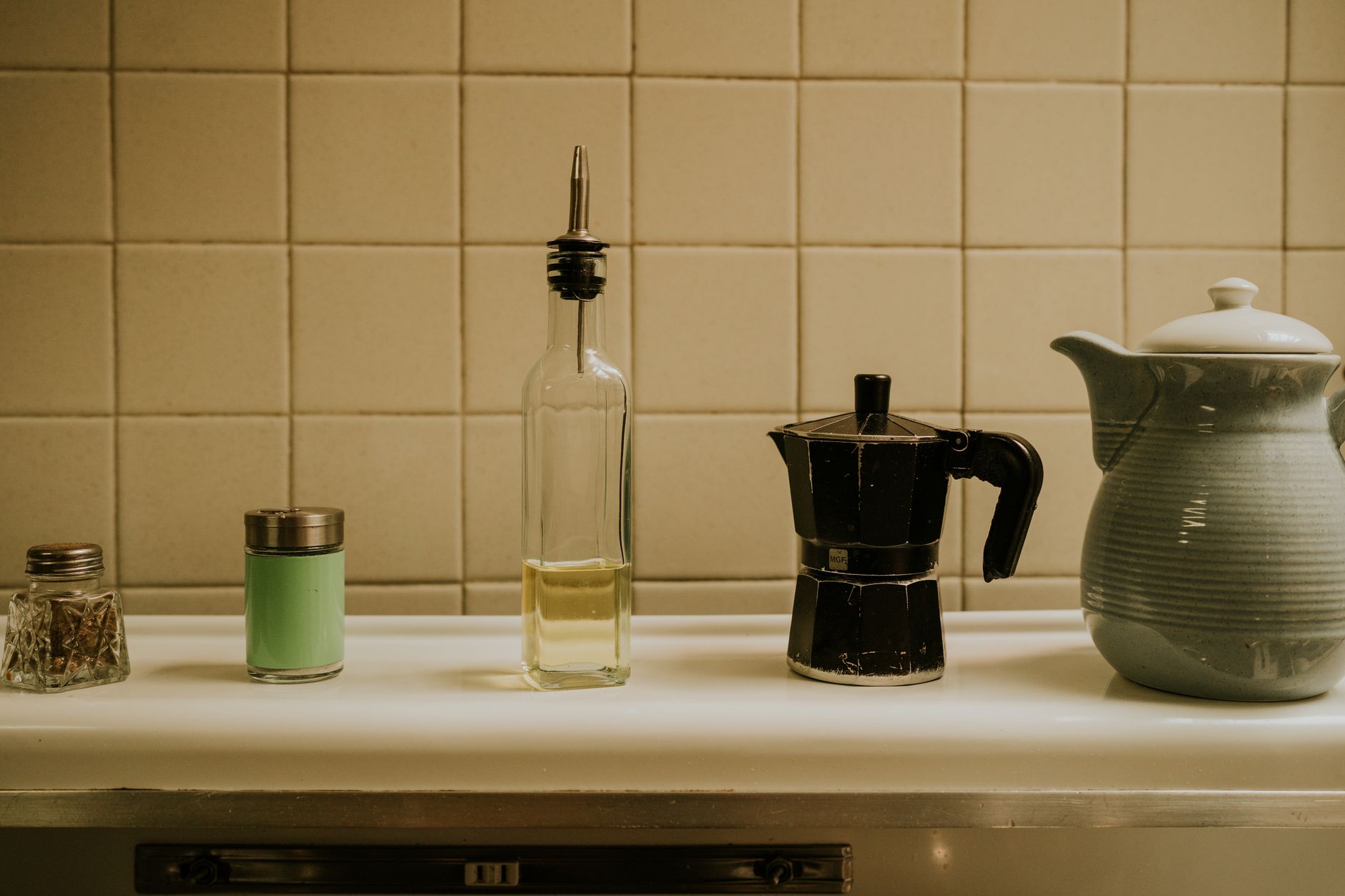
Cuánta sal es recomendable tomar al día
La cantidad de sal recomendada, por qué solemos superarla sin darnos cuenta y de dónde viene la mayor parte.
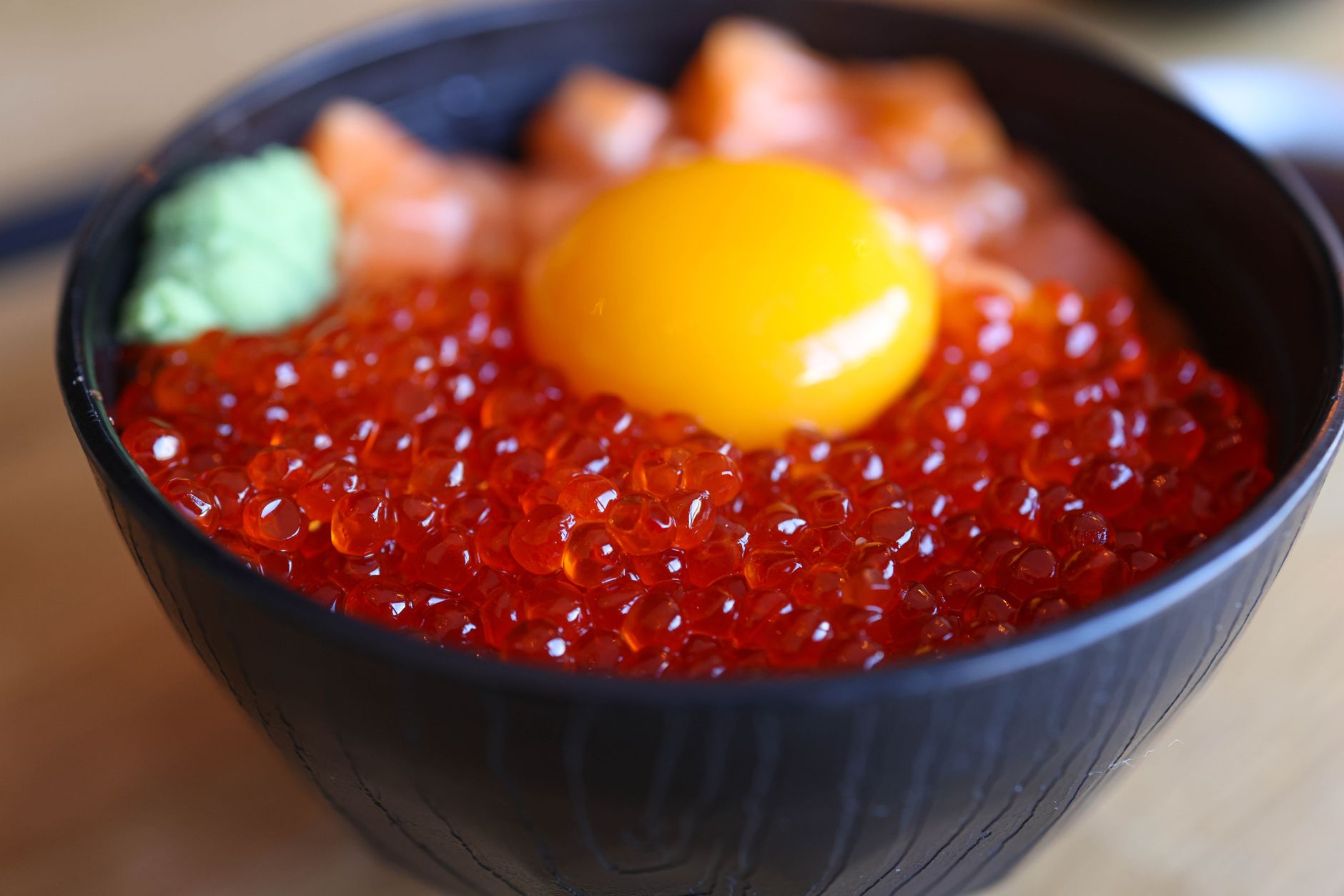
Alimentos ricos en vitamina D
La vitamina D se obtiene sobre todo del sol, pero también hay alimentos que aportan una cantidad relevante.
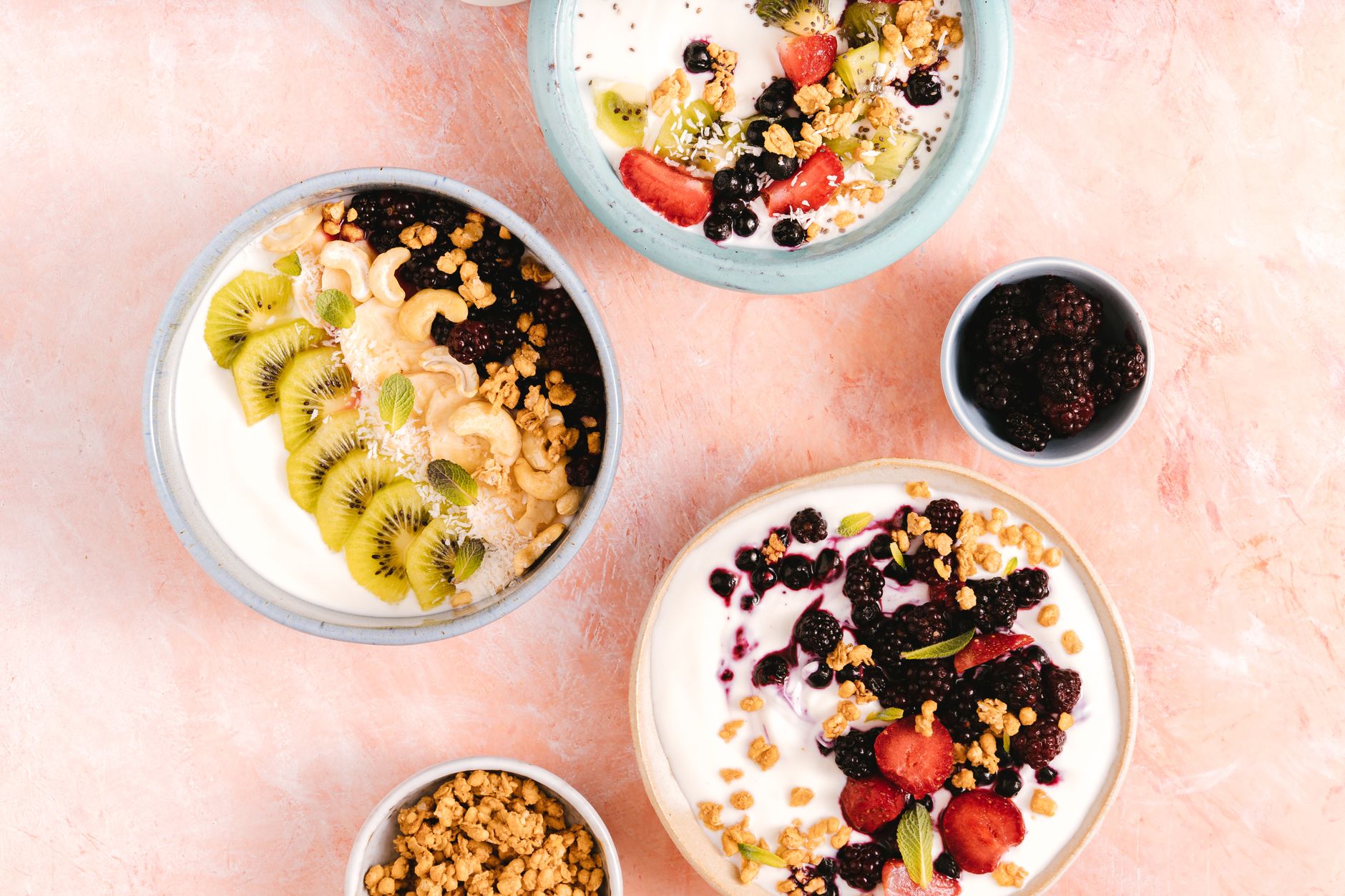
Yogur natural vs. yogur griego: qué los diferencia
Más allá de la textura, hay diferencias reales de composición entre el yogur natural y el yogur griego.
Alimentación para bebés
Ver todas →Batch cooking de purés para bebés: cómo organizarlo
Cómo dedicar un rato a la semana a preparar varios purés de golpe, para tener comida casera lista sin cocinar cada día.

De los purés a los trozos: cómo hacer la transición
Cómo ir avanzando de las texturas trituradas a los trozos blandos según el bebé va desarrollando su masticación.
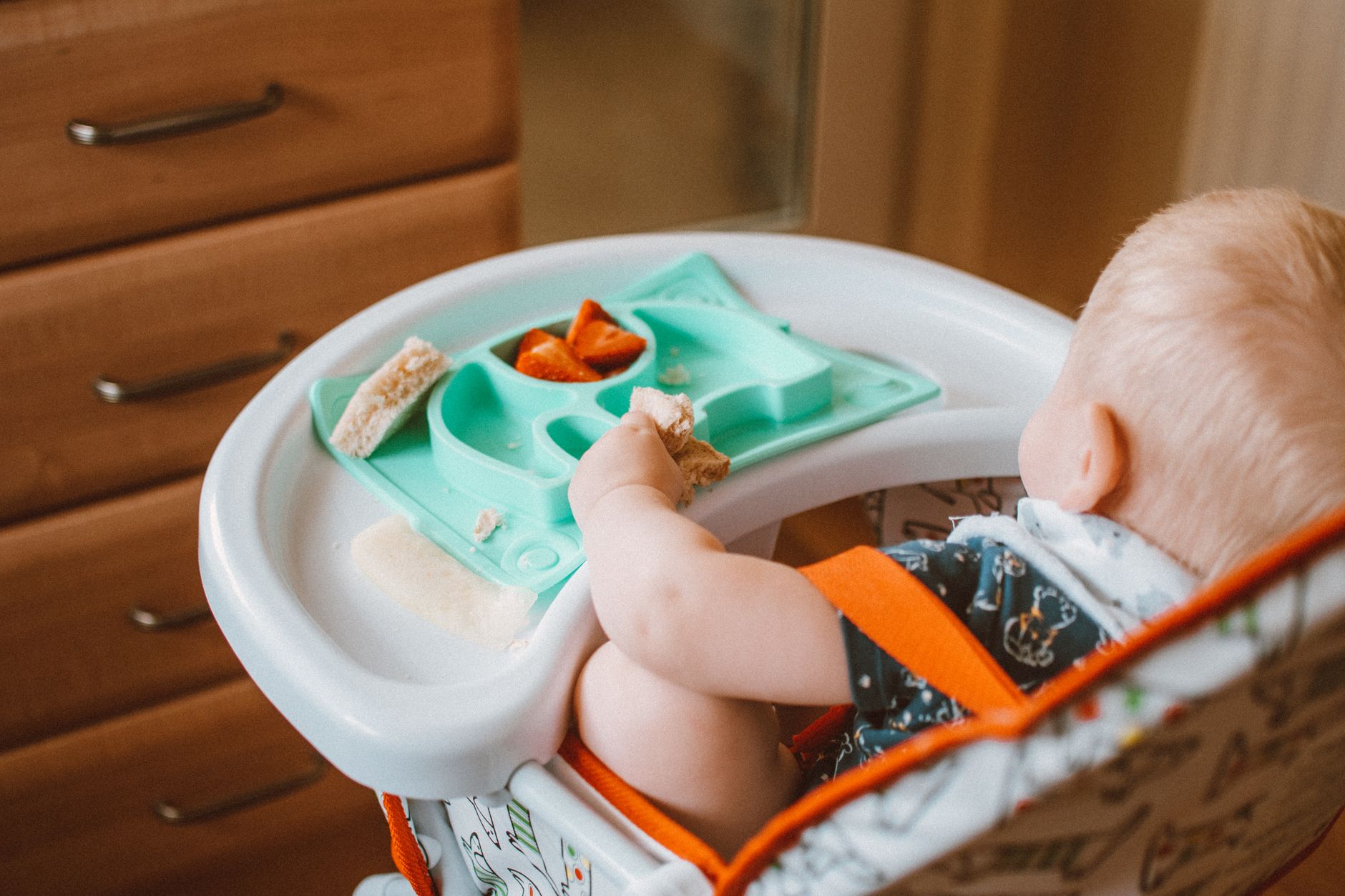
Cómo congelar purés de bebé correctamente
Trucos prácticos para congelar y descongelar purés de bebé de forma segura, aprovechando mejor el tiempo de cocina.

Cuánta agua necesita un bebé según su edad
Las necesidades de agua de un bebé cambian mucho antes y después de empezar con la alimentación complementaria.
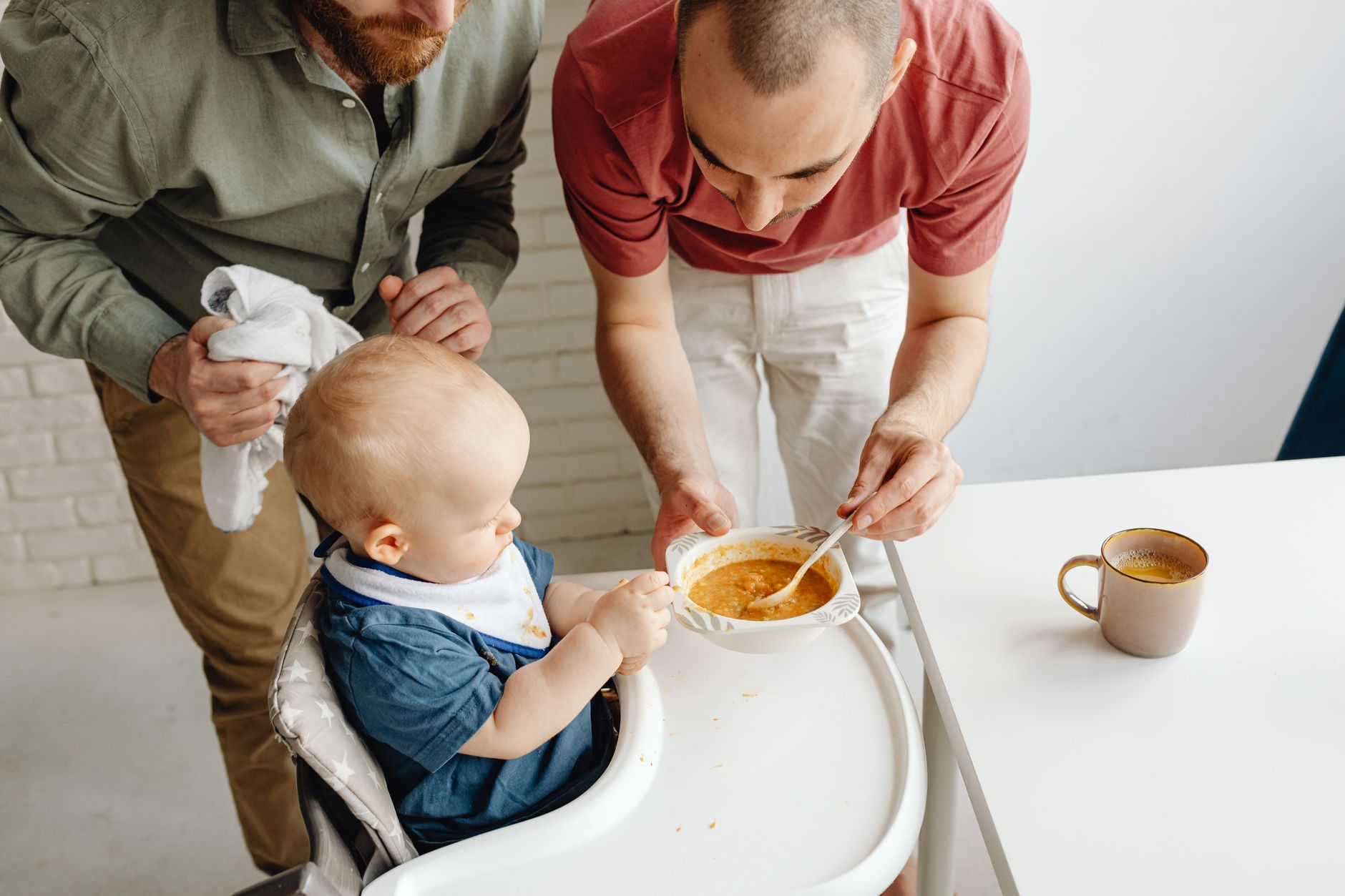
Puré de zanahoria y naranja para bebés
Un puré de color intenso y sabor dulce, combinando zanahoria cocida con un toque de zumo de naranja natural.
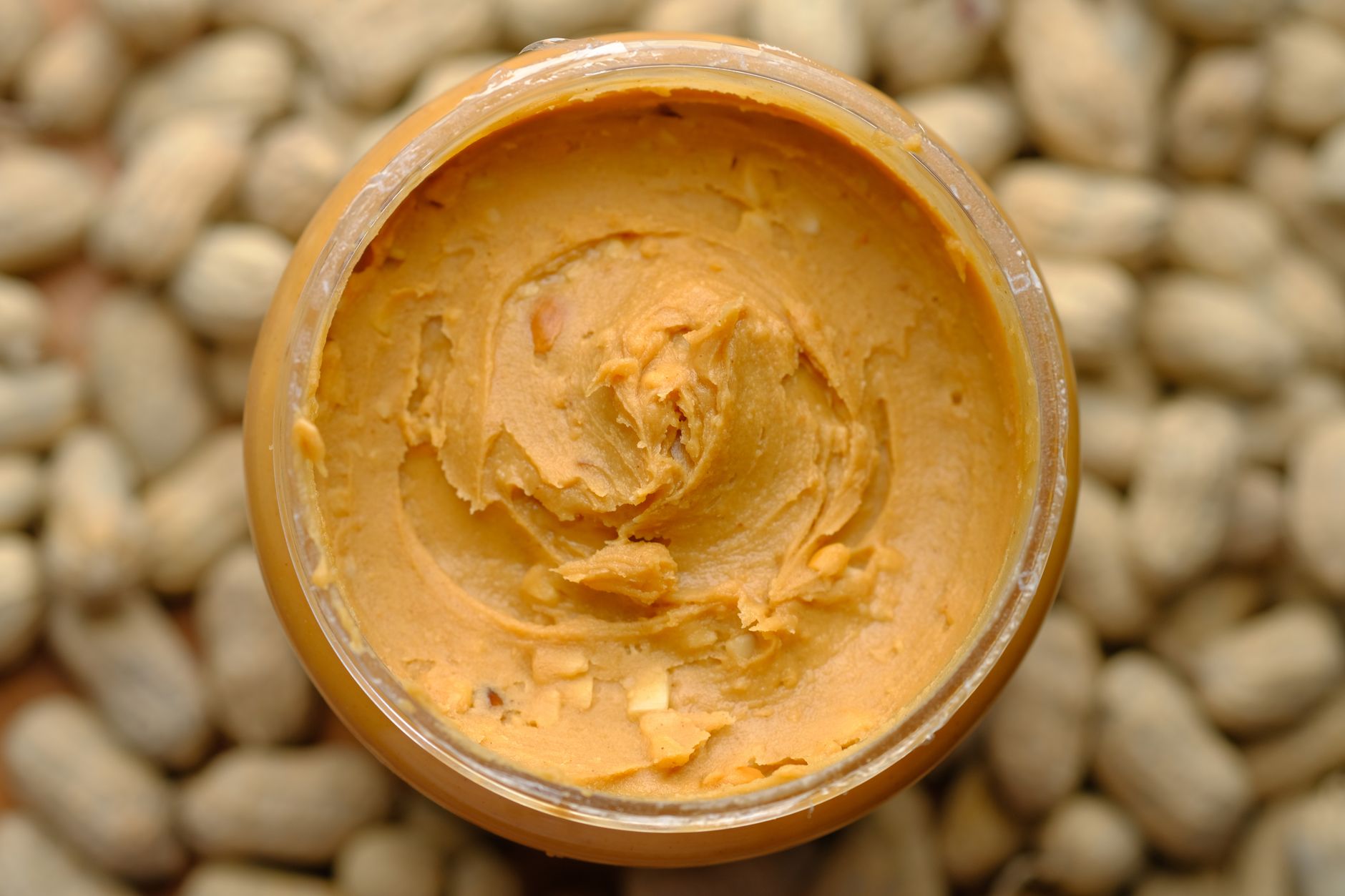
Cuándo introducir los frutos secos en la dieta del bebé
Cómo ofrecer frutos secos de forma segura desde edades tempranas, evitando el riesgo de atragantamiento.